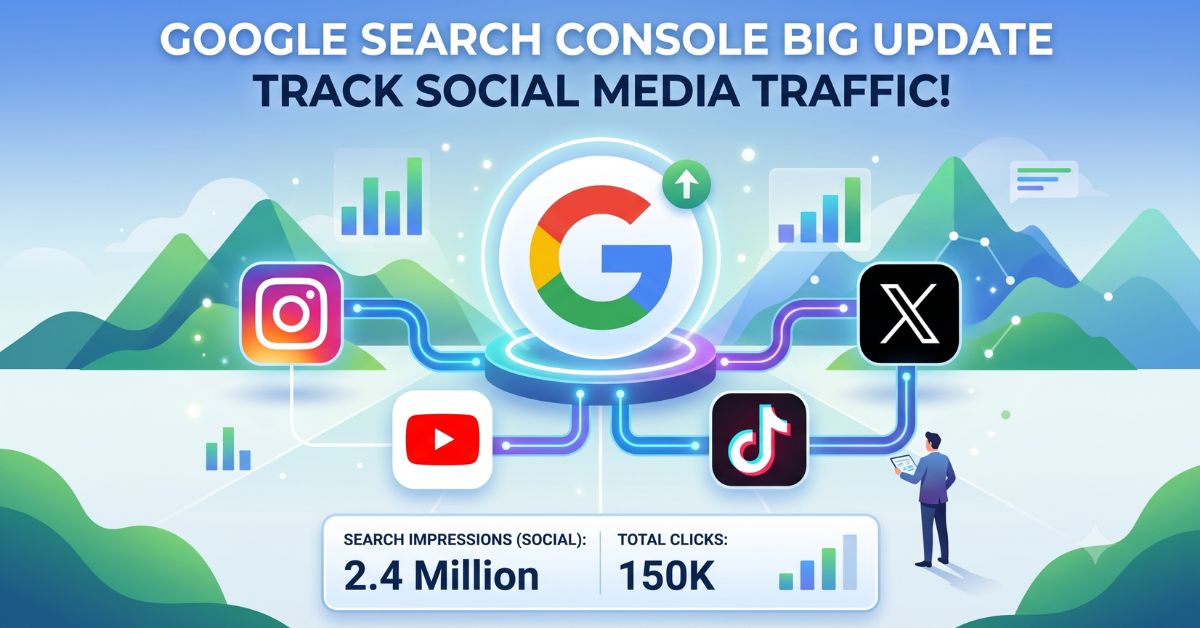
It is rare for Google to blur the lines between traditional SEO and Social Media, but they just did!
If you are a digital marketer, content creator, or business owner, this new Google Search Console (GSC) feature is an absolute game-changer. Google has officially started rolling out a brand-new feature called "Platform Properties." With this update, you can now track the organic Google Search traffic for your social media channels in the exact same dashboard you use for your website.
Let’s break down what this feature is, how it works, and how you can leverage it for your digital strategy.
What are Google Search Console Platform Properties?
Until now, Google Search Console was strictly used for monitoring website indexing, performance, and technical SEO. However, with this latest update, when you set up Search Console, you get the option to connect your social media profiles alongside your standard websites.
Which Platforms are Supported?
Currently, Google has integrated four major platforms into this feature:
- YouTube
- TikTok
- X (formerly Twitter)
Google Search Console Platform Properties is a new feature that allows creators and marketers to connect their social media handles (YouTube, Instagram, X, TikTok) to GSC, enabling them to track how their social content performs in organic Google Search results.
How Does This Benefit Marketers and Creators?
Previously, if your Instagram Reel or YouTube Video ranked in Google Search or Google Discover, you were completely in the dark regarding the exact search data. This new feature changes everything:
- Discover Exact Search Queries: You will finally be able to see exactly what keywords people are typing into Google that lead them to your Instagram page or YouTube channel.
- Actionable Metrics: You will get exact data on Total Clicks, Total Impressions, Average CTR (Click-Through Rate), and Average Position for your social posts and videos.
- Data-Driven Content Strategy: If you find out that a specific Reel is driving high traffic from Google Search, you can capitalize on that intent by planning a detailed blog or landing page on the exact same topic for your website.
GSC Platform Properties vs. Standard Website Properties
What is the actual difference? Let's look at a quick comparison:
|
Feature |
Standard Website Property |
New Platform Property (Social Media) |
|
Verification Method |
DNS Record or HTML Tag |
Social Account Login/OAuth Integration |
|
Data Available |
Indexing, Core Web Vitals, Search Traffic |
Organic Search Performance Only (Clicks/Impressions) |
|
Supported Assets |
Domains, Subdomains, Subfolders |
Instagram, YouTube, TikTok, X Handles |
|
Target Audience |
Web Developers & SEO Experts |
Content Creators, Social Media Managers & Marketers |
How to Add Social Media Profiles to Google Search Console (Step-by-Step)
Setting up this feature is incredibly simple. Just follow these steps:
- Open your GSC Dashboard: Log into your Google Search Console account.
- Click on Add Property: Open the property dropdown menu on the top left and click "Add Property."
- Select a Platform Account: You will see a new screen titled: "Add a platform account or channel to discover how visitors find your content on Google Search."
- Choose Your Platform: Click the "Add" button next to the platform you want to connect (Instagram, TikTok, X, or YouTube).
- Authenticate: Log in with your respective social media credentials to verify ownership and grant Google access.
Note: Because this is a gradual rollout, it might take a little time to appear on your dashboard. If you don't see it yet, check back soon!
Frequently Asked Questions (FAQs)
Q1. Do I have to pay to use this feature?
Ans: No, just like all other tools in Google Search Console, the Platform Properties feature is completely free to use.
Q2. Can I connect more than one Instagram or YouTube account?
Ans: Yes! If you manage multiple brands or clients, you can create separate platform properties to track each handle individually.
Q3. Will this change the internal analytics data on my Instagram app?
Ans: Not at all. Your native Instagram Insights will remain exactly the same. Google Search Console will only show you the data and traffic coming specifically from the Google Search Engine to your page.
Final Thoughts: A New Era of SEO
This move by Google clearly proves that search is no longer limited to standard web pages. People are actively searching for social media videos and posts directly on Google. To be a successful digital marketer today, you need to look beyond traditional SEO and master Cross-Platform Analytics.
Want to build a robust career in Digital Marketing? To learn about the latest tools, advanced AI strategies, and technical SEO, join the hands-on training programs at Career Plan Academy in Sector 14, Gurgaon. We ensure our students stay ahead of every industry update with practical, real-world execution.